
How to Turn Product Launches in Notion Into Pipeline
Product teams already use Notion to plan launches, write specs, collect comments, and prepare release material.
The problem comes after the feature ships.
The launch doc might contain comments from sales reps, customer-facing teams, and other stakeholders explaining exactly who asked for the feature and why. But once engineering marks the work complete, somebody still has to figure out which customers and prospects cared, tell the right people, write the launch material, and determine whether the feature actually helped close anything.
Arkweaver's Notion integration automates that process.
Arkweaver connects product launches in Notion with customer conversations, engineering tickets, and revenue data so companies can identify the deals a newly shipped feature can help win and create the material needed to sell it.
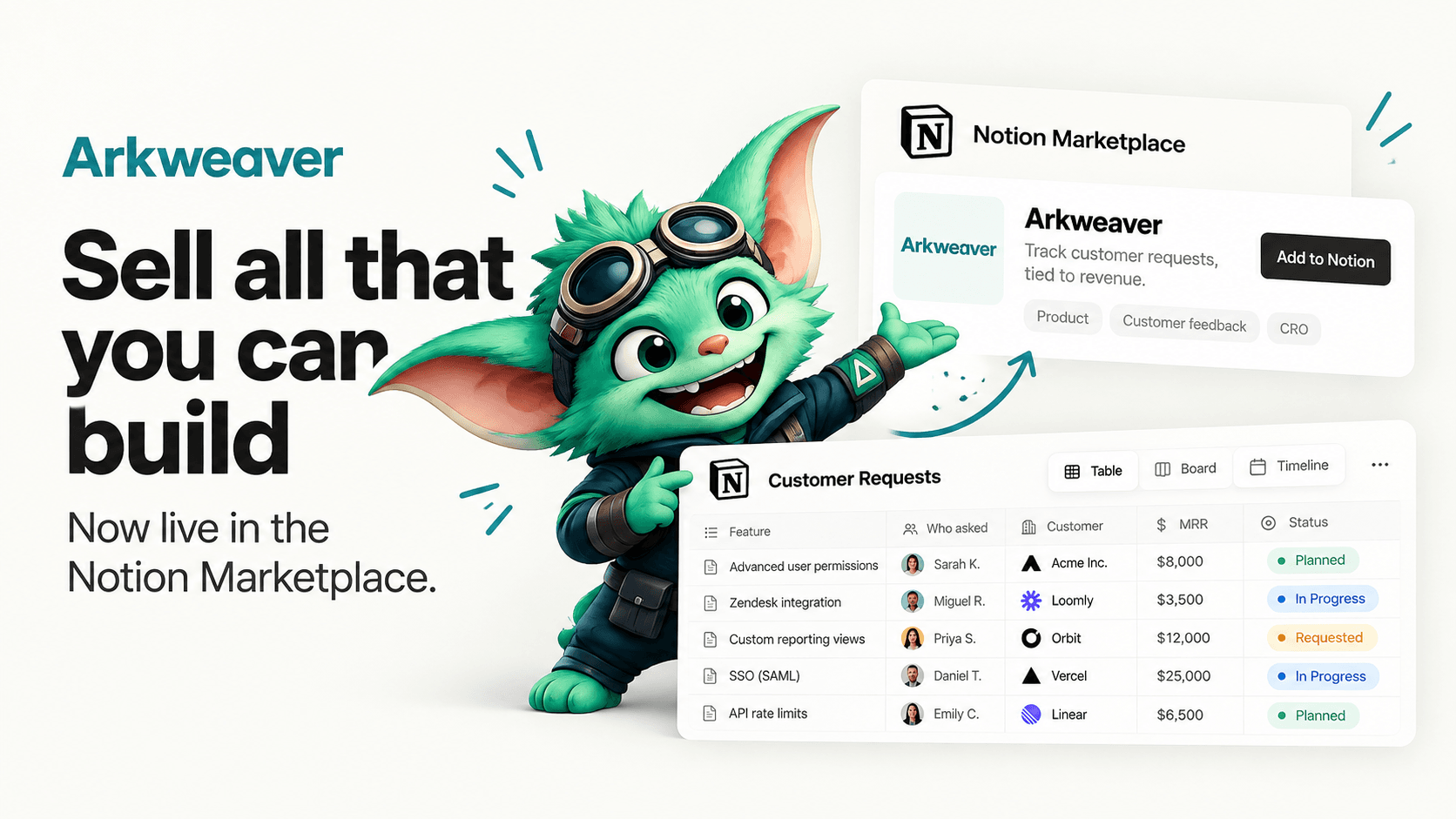
Arkweaver is now available through the Notion Connections Marketplace.
What does the Arkweaver Notion integration do?
The Arkweaver Notion integration helps revenue and product marketing teams turn shipped features into sales opportunities.
It can read the launch documents and comments shared with the connection, identify the people associated with a launch, and write launch collateral back into the Notion workspace. That collateral can include one-pagers, positioning, battlecards, and release notes.
Arkweaver then connects that launch to the customer and prospect conversations that originally requested the feature.
The result is a much simpler question for the revenue team:
Who can we sell this feature to now that it exists?
How does Arkweaver work with Notion?
A typical workflow looks like this.
A product team creates a launch document in Notion for a new feature.
Sales, customer success, product marketing, and other stakeholders may comment on the document with context from customers or deals.
Arkweaver can read comments on pages and blocks that have been shared with the integration. It can also read, insert, and update content in the pages and databases it has access to.
Separately, Arkweaver connects to systems such as Gong or Fathom for customer conversations and Jira or Linear for engineering work. The Notion Marketplace listing describes this workflow as connecting a call-recording system and engineering ticketing system so Arkweaver can identify deals blocked by product gaps, prospects waiting for recently shipped features, and important outstanding requests.
When a requested feature ships, Arkweaver can connect those pieces.
Instead of treating the launch as a general announcement, the company can see which specific customers, prospects, and deals have a reason to care.
Can Notion automatically notify customers when a requested feature ships?
Notion can store the launch plan and the context around a feature. Arkweaver adds the connection to the people outside the product organization who were waiting for it.
According to Arkweaver's Notion Marketplace listing, the integration can identify people who commented on a launch document and notify relevant people when the feature ships.
Arkweaver can also use customer-call data to identify prospects and customers who previously asked for the same capability.
That matters because the person who requested a feature six months ago may no longer be following the roadmap.
Their sales rep probably is not checking every engineering release either.
Without a system connecting the two, a feature can ship while the deal it would have helped remains untouched.
Can Arkweaver create release notes in Notion?
Yes.
Arkweaver can generate launch collateral and place it into Notion, including:
- release notes
- one-pagers
- product positioning
- sales battlecards
The integration has permission to insert and update content in Notion pages, databases, and blocks that have been shared with it.
The important part is the source material.
Instead of starting a release note from a blank page, Arkweaver can use the customer conversations and product work that led to the feature being built.
That gives product marketing considerably more context about what customers actually cared about, the language they used, and the objections the new feature can address.
How can sales teams use Notion product launches?
Most product launch workflows are designed around publishing information.
Revenue teams need another layer.
For every meaningful release, they need to know:
Which open deals asked for this?
Which lost opportunities could be revisited?
Which customers have been waiting for it?
Which reps need to know?
What should those reps say?
That information usually lives across several systems.
The feature itself may be in Jira or Linear.
The customer request may be buried in a Gong call.
The launch plan may be in Notion.
The opportunity and ARR may be in Salesforce or HubSpot.
Arkweaver is designed to connect those records so the launch can be tied back to revenue rather than ending when the release note is published.
What is a product-to-revenue workflow?
A product-to-revenue workflow connects customer demand, product development, launch execution, and revenue outcomes.
A simple version looks like this:
1. A prospect requests a feature
The request appears during a sales call or customer conversation.
2. The request is connected to product work
Arkweaver associates the request with the relevant feature or engineering ticket.
3. The feature ships
The product team completes the work.
4. Arkweaver finds everyone who cared
That can include prospects, customers, sales reps, CSMs, and people who participated in the launch workflow.
5. Launch material is created
Arkweaver can generate the release note, one-pager, positioning, and sales enablement.
6. Revenue teams follow up
The company can re-engage the deals and accounts for which the new functionality matters.
7. The outcome is measured
Teams can determine whether the launch created meetings, reactivated opportunities, influenced pipeline, or contributed to a sale.
Notion remains the place where teams can work on the launch. Arkweaver provides the connection between the launch and the commercial activity around it.
Who should use the Arkweaver Notion integration?
The integration is most useful for B2B companies where product requests regularly appear in sales and customer conversations.
That tends to include companies with:
- sales-led or hybrid go-to-market motions
- account executives discussing roadmap gaps with prospects
- customer success teams collecting feature requests
- product marketing teams responsible for launch collateral
- product teams working from Jira, Linear, or similar systems
- revenue teams using Gong, Fathom, or another conversation platform
The larger the number of customer conversations and product releases, the harder it becomes to manually remember which account asked for what.
Does Arkweaver replace Notion?
No.
Notion remains the workspace where teams can create documents, databases, launch plans, and other internal material.
Arkweaver connects that work to customer conversations, engineering systems, and revenue activity.
The Notion integration can read comments and shared content and can write generated launch collateral back into the workspace.
How do you connect Arkweaver to Notion?
Arkweaver's current setup flow is:
- Create an Arkweaver account.
- Connect a call-recording platform such as Gong or Fathom.
- Connect an engineering system such as Jira or Linear.
- Connect Notion and share the relevant workspace content with Arkweaver.
- Arkweaver analyzes customer conversations and product work to identify product gaps, recently unlocked opportunities, important outstanding requests, and launch material to create.
The current Notion Marketplace listing says Arkweaver is free for up to 100 transcripts analyzed per month, with additional usage priced per transcript.
What is the benefit of connecting Notion to customer feedback?
The biggest benefit is that launch context does not disappear when the product ships.
The original request, the person who made it, the deal attached to it, and the reason the capability mattered can all be connected to the launch.
For a revenue team, that means a shipped feature can immediately become a list of accounts worth contacting.
For product marketing, it means the material for the launch starts with the actual customer problem rather than a blank document.
For product teams, it means the impact of shipping something can be measured beyond adoption alone.
A feature should not stop being commercially useful the moment engineering marks it done.
The launch is where the revenue work starts.